Clearing IDP Assocations for Users with Access Management 2.0 API
Clearing Identity Provider Associations in Keycloak
In identity federation scenarios, users in Keycloak may be linked to external Identity Providers (IdPs) through two specific user attributes:
- BROKER_LINK: Stores the federation link between a Keycloak user and an external identity provider, capturing the IdP alias, the user’s external identity, and the associated realm details.
- FEDERATED_USER: Stores the reference to a user managed by an external storage provider, linking the user ID to its storage provider and realm.
When Is This Needed?
These associations may need to be removed for a user for a number of reasons including -
- Allow users to re-register with a different Identity Provider
- Remove obsolete or broken identity links
- Support migration between Identity Providers
API Specification: Clear Federated User Associations
This secure API endpoint may be used to clear both BROKER_LINK and FEDERATED_USER attributes for a given user, effectively removing thier federation association.
Endpoint
POST {{authurl}}/user/clearCachedUser?userId={{userId}}
Method
POST
Description
Clears the following identity federation attributes for the specified user:
BROKER_LINKFEDERATED_USER
Example Auth URL:
https://abcds-auth.sce.manh.com
Note: This endpoint must use the authentication (auth) URL, not the regular application URL.
Clear Cached User API – Expected Responses
This section describes typical response scenarios for the {{auth_url}}/user/clearCachedUser API, including success and edge cases.
Scenario 1: Successful Attribute Clearance
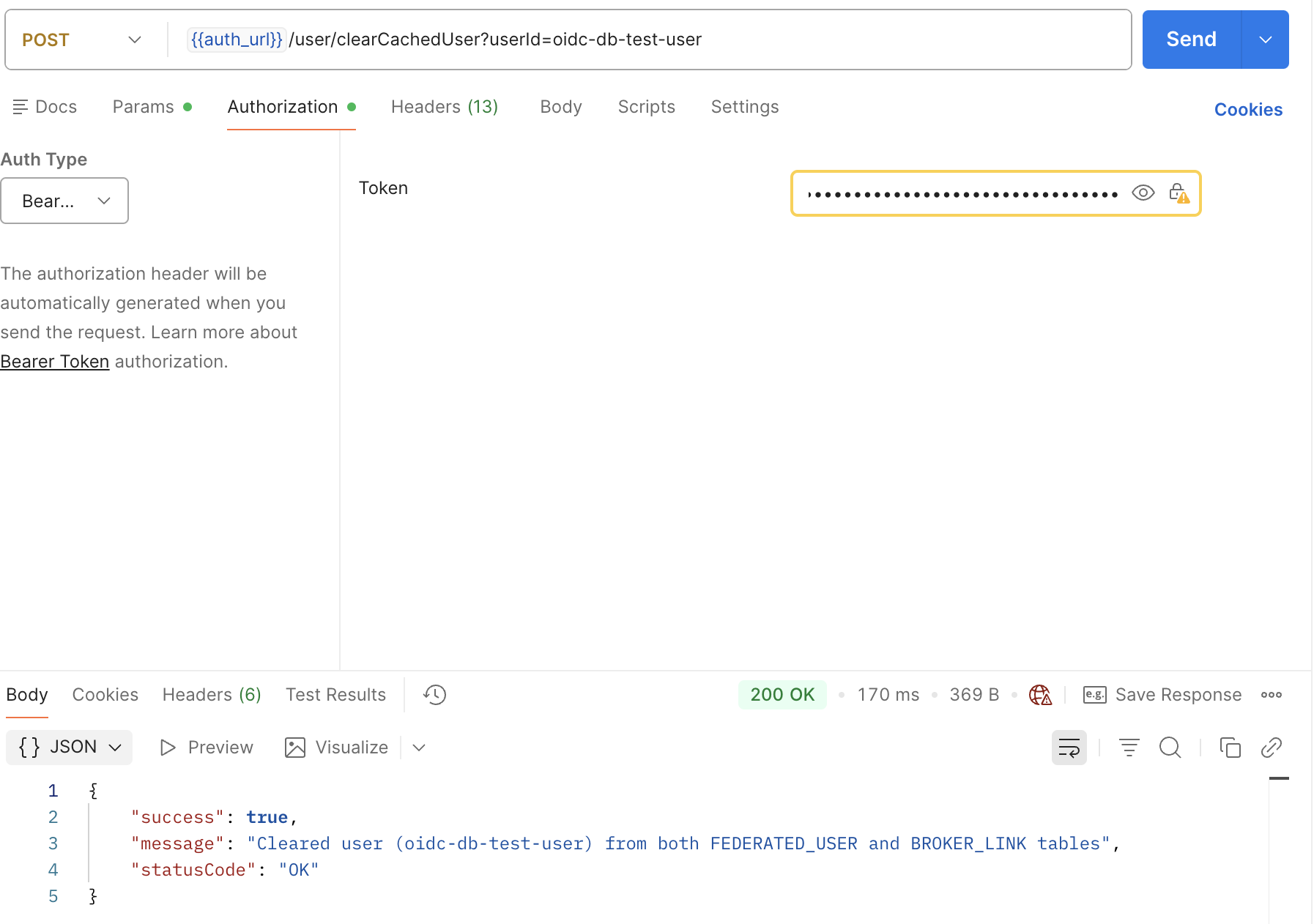
Scenario 2: Specified User Not Found
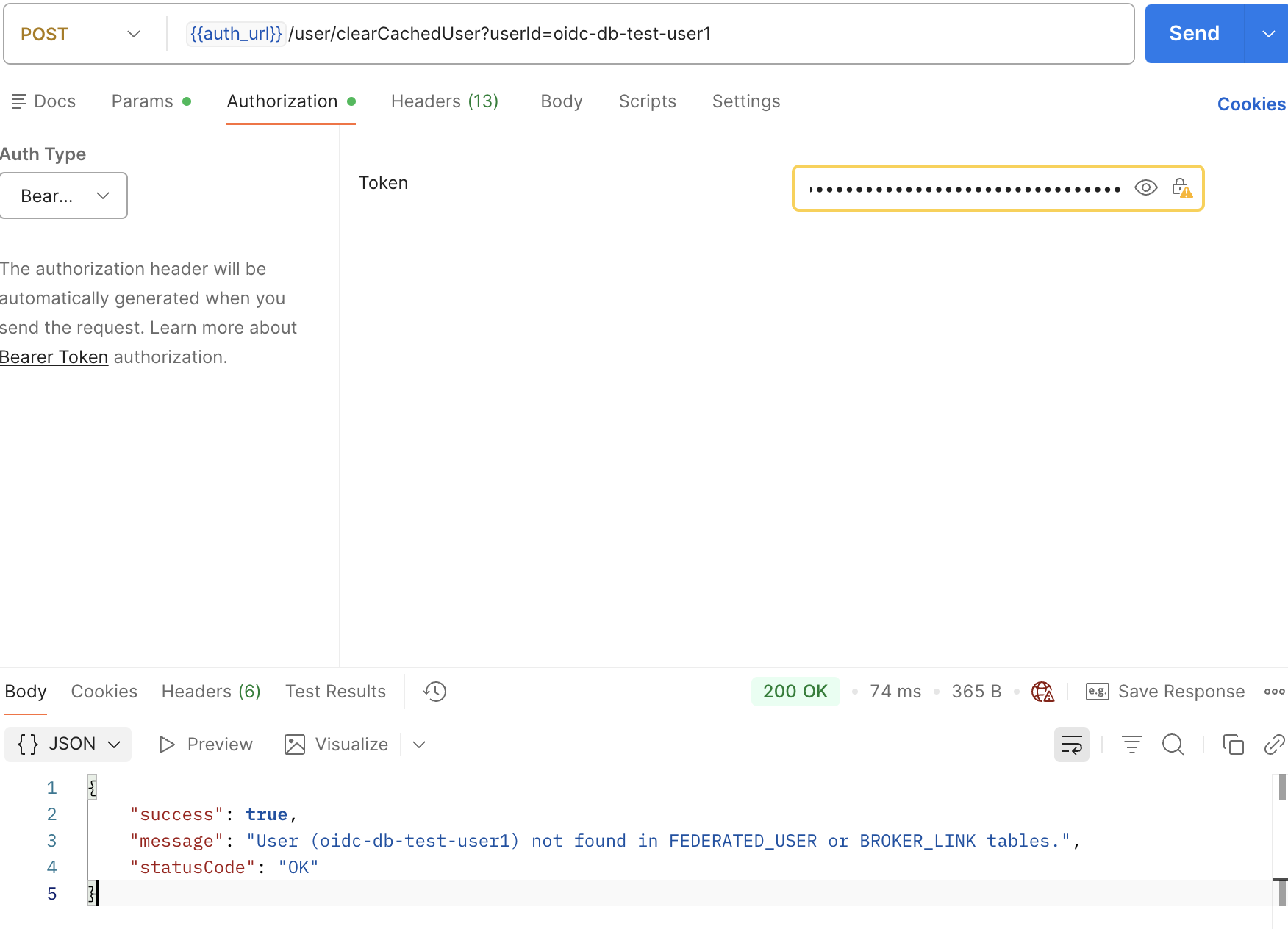
Scenario 3: Missing or Invalid userId Parameter
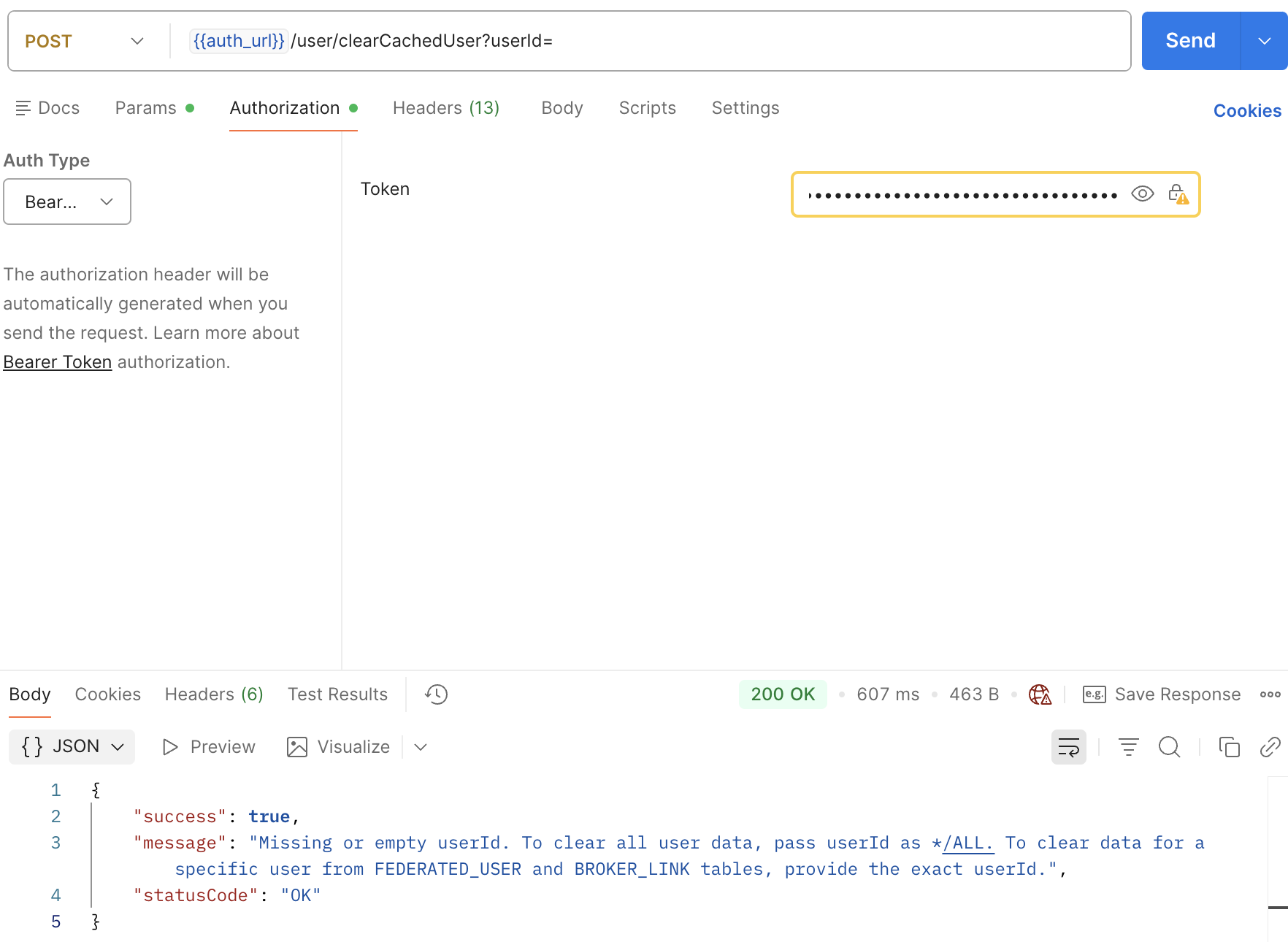
Scenario 4: Bulk Clearance Completed
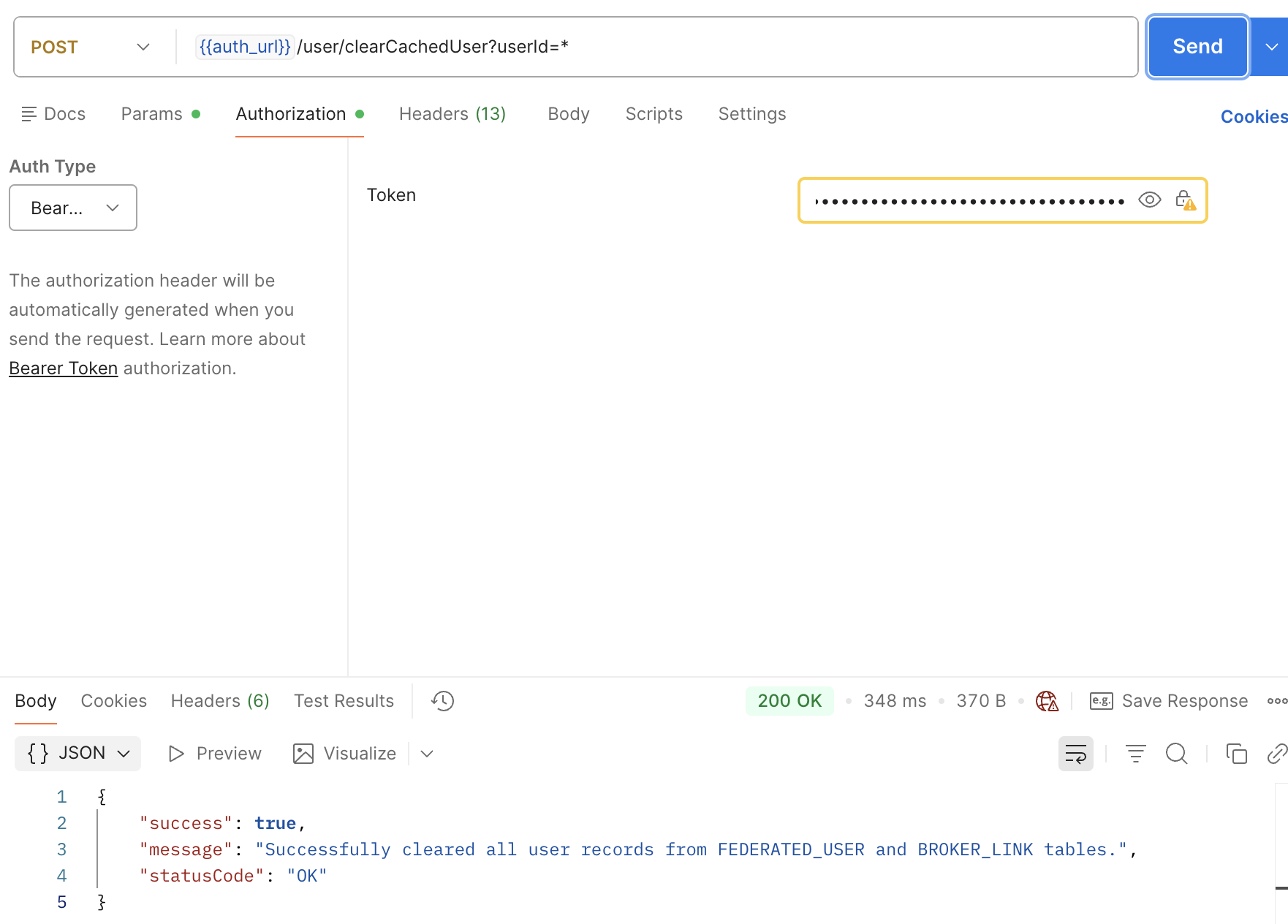
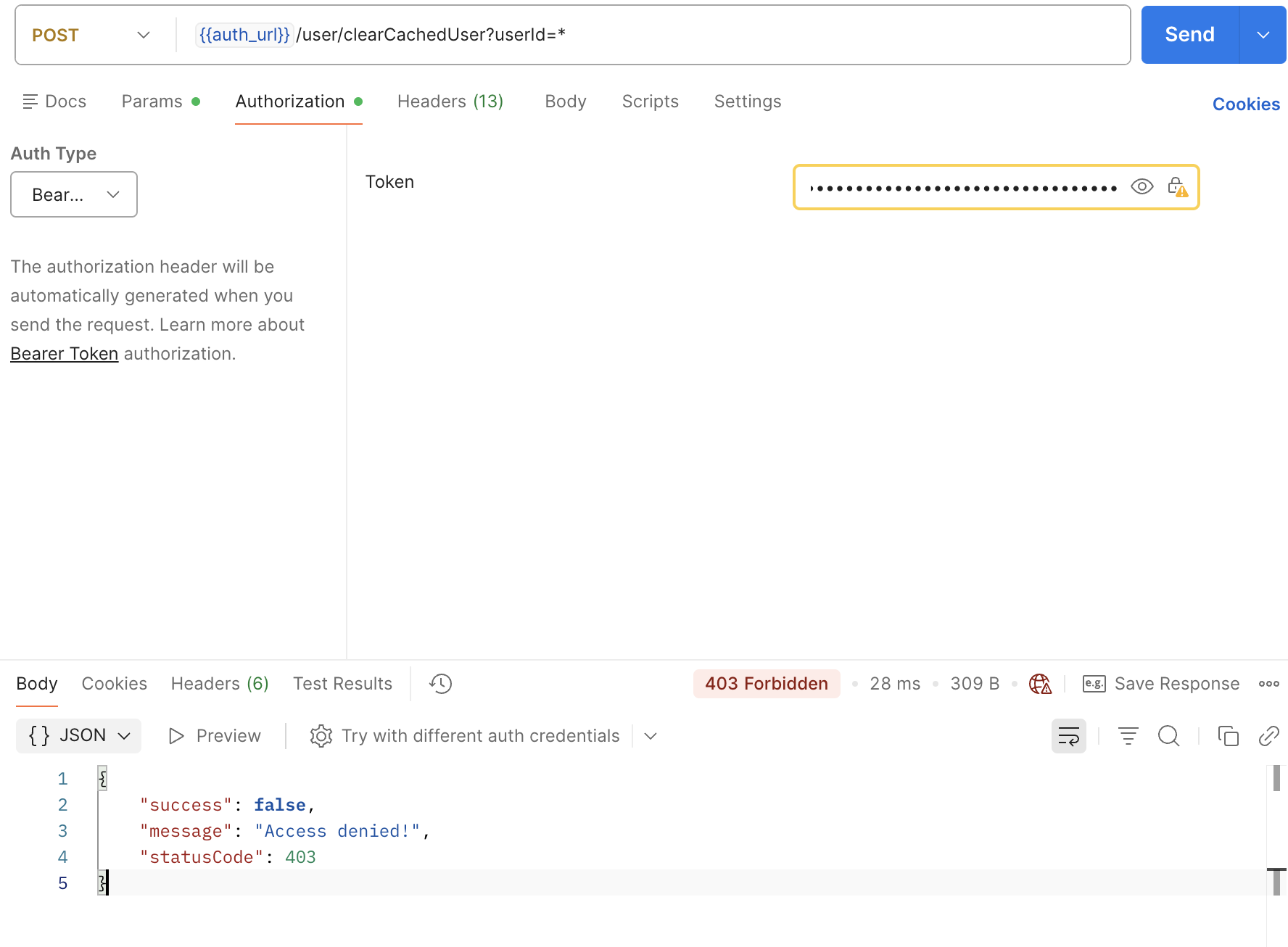
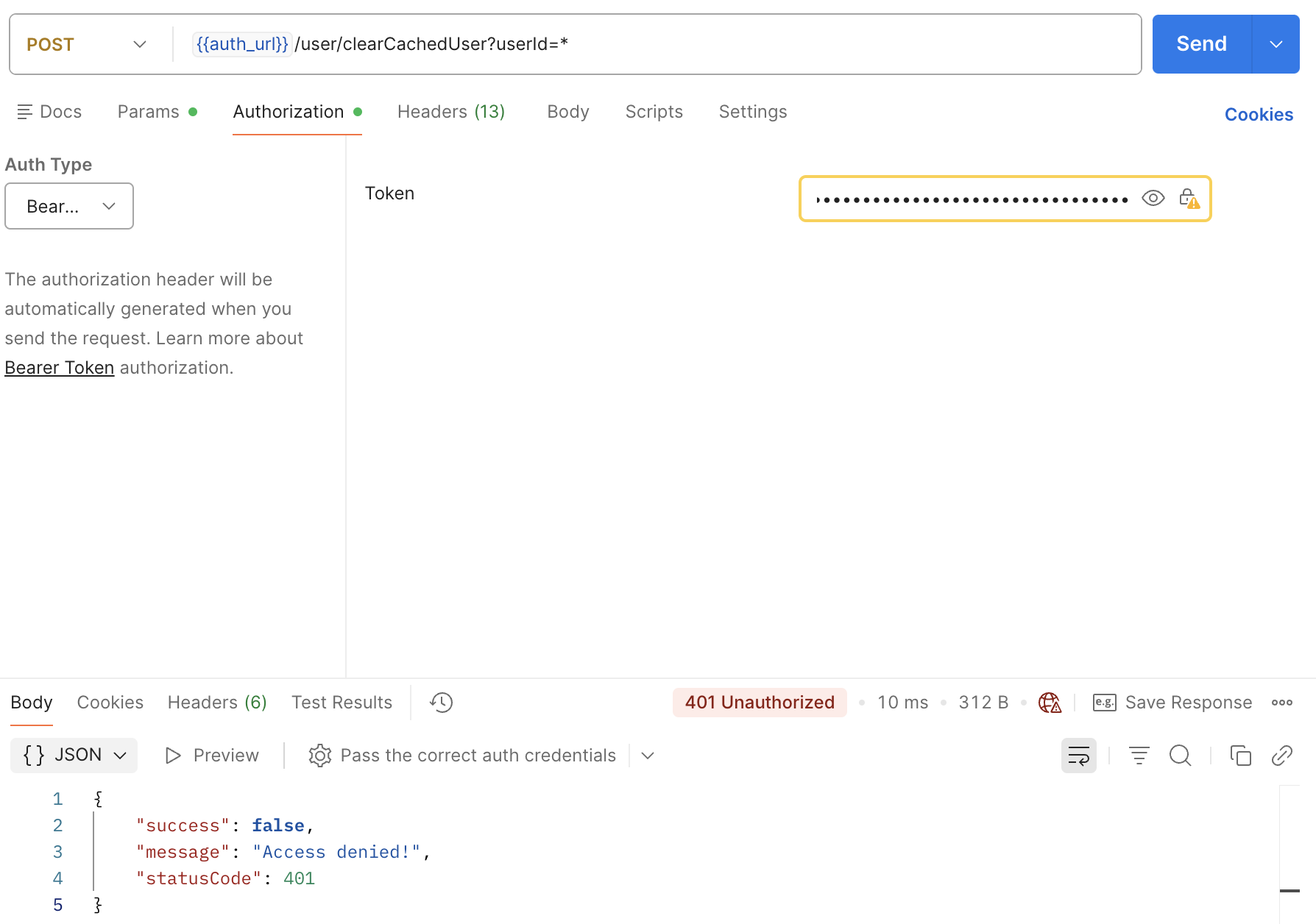
Scenario 5: Access Token Validation Failed
Scenario 6: Successful Authentication
Note
Only users with one of the following roles are authorized to access this API:
- admin-maactive (SystemAdministrator / KeycloakAdministrator) — Restricted Admin
- admin — Super Admin
Any requests made with tokens that do not include one of these roles will receive an Access Denied (403 Forbidden) response.
Feedback
Was this page helpful?