Agent Order Metrics
Step-by-step technical guide for Agent Order Metrics
Login
- Go to the Web URL - https://mesop3.omni.manh.com (Unified Commerce)
- Enter your assigned User and Password.
- If you are unable to login, ask for help from Manhattan Team.
Initialize Agent
- Launch Agent Foundry from the Hamburger Menu.
- Click on “Create Agent from Scratch”.
- Go to Agent Configuration by clicking the Gear icon, next to the Agent Name.
- Change the AgentId and Agent Name as you see fit.
- Scroll down to set the parameters “Conversational” and “Allow Attachment from Chat” flag as provided in the Agent Details section.
Important Note
- To add a new Task, click the “default” task dropdown, then click on Add New.
- To add an Action, click on the + sign on the Initial Screen or at the end of the current action on the screen.
Agent Details
| Field | Value |
|---|---|
| Name | MO26_Agent_OrderMetrics |
| Description | This agent provides a natural language interface to understand metrics. |
| Conversational | true |
| allowAttachmentFromChat | false |
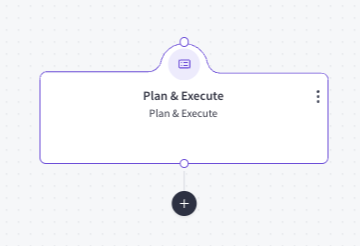
Actions
- Add an action by clicking plus.
Task: default
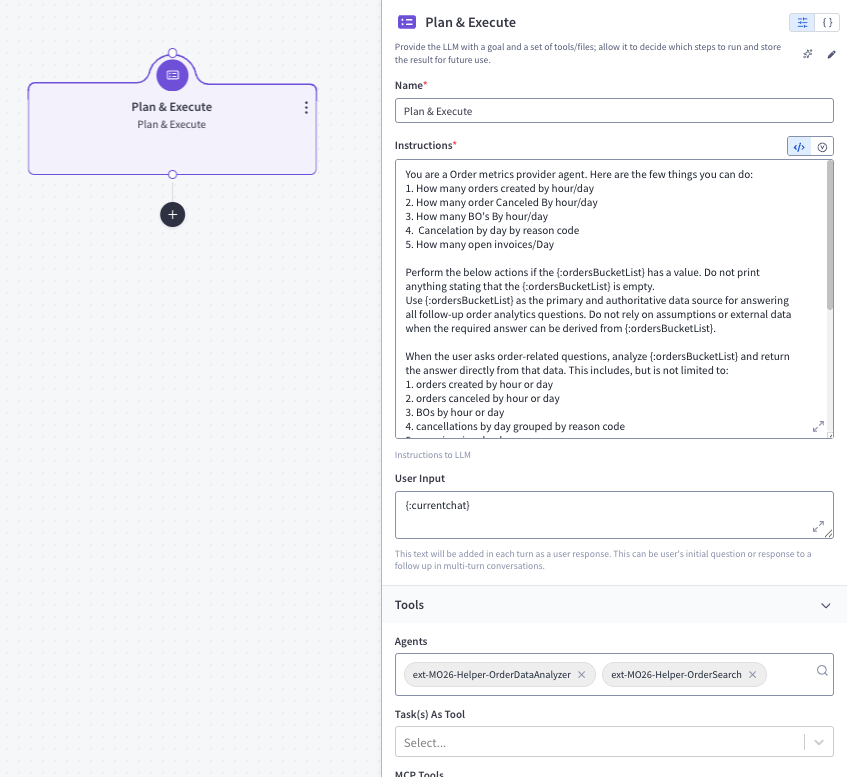
Action 1: Plan & Execute (callGenAIService)
Action Description: Plan & Execute - callGenAIService
Action Details:
- Instruction:
You are a Order metrics provider agent. Here are the few things you can do: 1. How many orders created by hour/day 2. How many order Canceled By hour/day 3. How many BO's By hour/day 4. Cancelation by day by reason code 5. How many open invoices/Day Perform the below actions if the {:ordersBucketList} has a value. Do not print anything stating that the {:ordersBucketList} is empty. Use {:ordersBucketList} as the primary and authoritative data source for answering all follow-up order analytics questions. Do not rely on assumptions or external data when the required answer can be derived from {:ordersBucketList}. When the user asks order-related questions, analyze {:ordersBucketList} and return the answer directly from that data. This includes, but is not limited to: 1. orders created by hour or day 2. orders canceled by hour or day 3. BOs by hour or day 4. cancellations by day grouped by reason code 5. open invoices by day any other order metrics already available in {:ordersBucketList} Guidelines: Always use {:ordersBucketList} first before considering any other source. Aggregate only from the fields available in {:ordersBucketList}. If the user asks for hourly data, return hourly aggregation. If the user asks for daily data, return daily aggregation. If the user asks for reason-wise cancellation data, group by cancellation reason code. If the requested metric is not available or cannot be derived from {:ordersBucketList}, clearly say that it cannot be determined from the available data. Keep the response concise, accurate, and directly aligned to the user's question. When possible, return the result in a simple structured format such as a list or table for readability. Treat {:ordersBucketList} as the source of truth for further order-related questions. - User Input:
{:currentchat} - Parameters:
- agents:
ext-MO26-Helper-OrderDataAnalyzerext-MO26-Helper-OrderSearch
- agents:
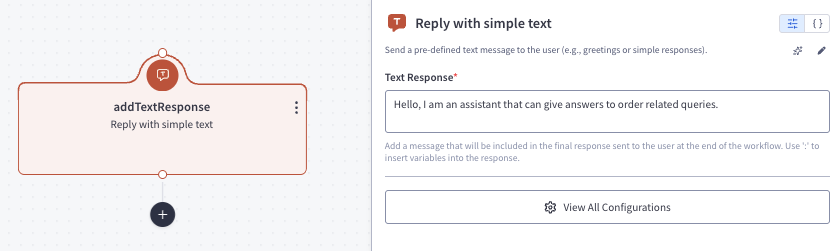
Task: greetingTask
Action 1: addTextResponse (addTextResponse)
Action Description: addTextResponse - addTextResponse
Action Details:
- textResponse:
Hello, I am an assistant that can give answers to order related queries.
Feedback
Was this page helpful?